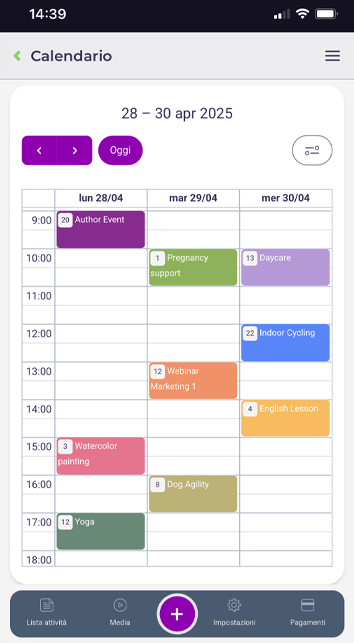
he BookyWay app is designed exclusively for your clients.
However, you can log in to the app using your administrator credentials, but in this case, you will enter as if you were a client of your own service. This allows you to see exactly what your clients see.
If you are both an administrator and an instructor, the app will provide you with a dedicated menu. From there, you can view your activities and bookings.
Watch the instructor tutorial video HERE
Using BookyWay as an administrator from your phone
If you wish to manage BookyWay as an administrator from your phone, you can access the administration portal directly from your device’s browser by visiting:
https://admin.bookyway.com
Log in as you normally would from your PC or Mac. The administration page is optimized for mobile devices (responsive), so while the interface may look slightly different from the desktop version, you will have access to all functionalities.


How to speed up access by creating a shortcut on your phone’s home screen
To make this process even easier and quicker, you can add a shortcut to the administration page directly on your phone’s home screen. This way, you can access your account with just one click, as if it were an admin app.
For iPhone (Safari)
- Open Safari and visit https://admin.bookyway.com
- Log in with your administrator credentials.
- Tap the Share button (the square with the upward arrow). If you don’t see it directly, tap the ⋯ (three dots) menu and select Share from the bottom center menu
- Scroll through the options and select Add to Home Screen.
- Customize the shortcut name (e.g. “BookyWay Admin”).
- Tap Add.
For Android (Chrome)
- Open Chrome and visit https://admin.bookyway.com
- Log in with your administrator credentials.
- Tap the ⋮ (three dots) menu in the top-right corner.
- Select Add to Home screen. On some devices, the option may appear as Install app.
- Customize the shortcut name (e.g. “BookyWay Admin”).
- Tap Add.
After following these steps, you’ll have a home screen icon that lets you quickly access your admin area with just one tap!