Yes. You can delete a user directly from their profile.
- Go to the Clients section.
- Click the pencil icon next to the user you want to delete.
- In the Edit Client section, scroll to the bottom of the page and click Delete.
- Confirm the operation.
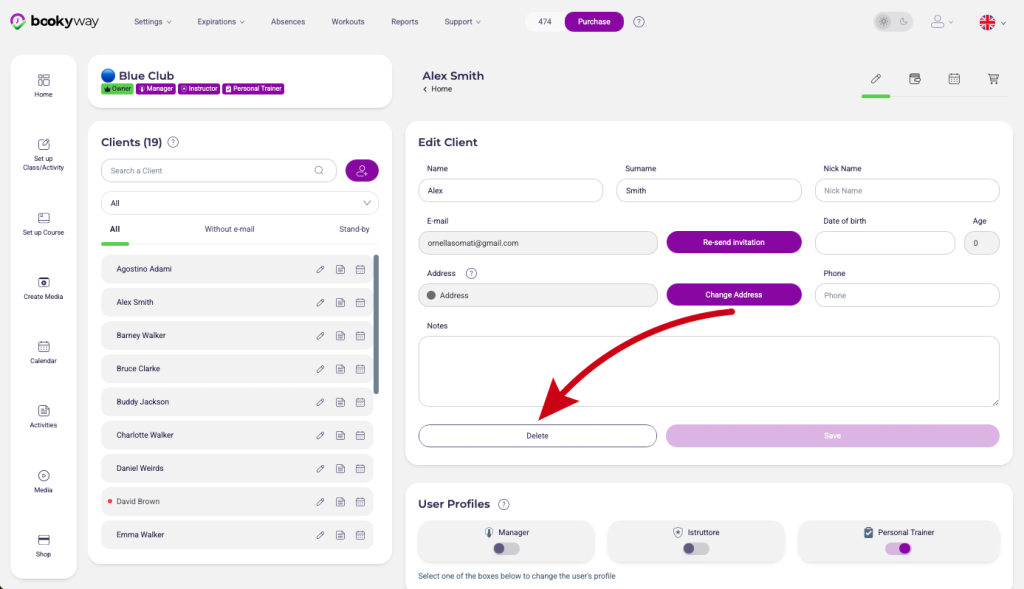
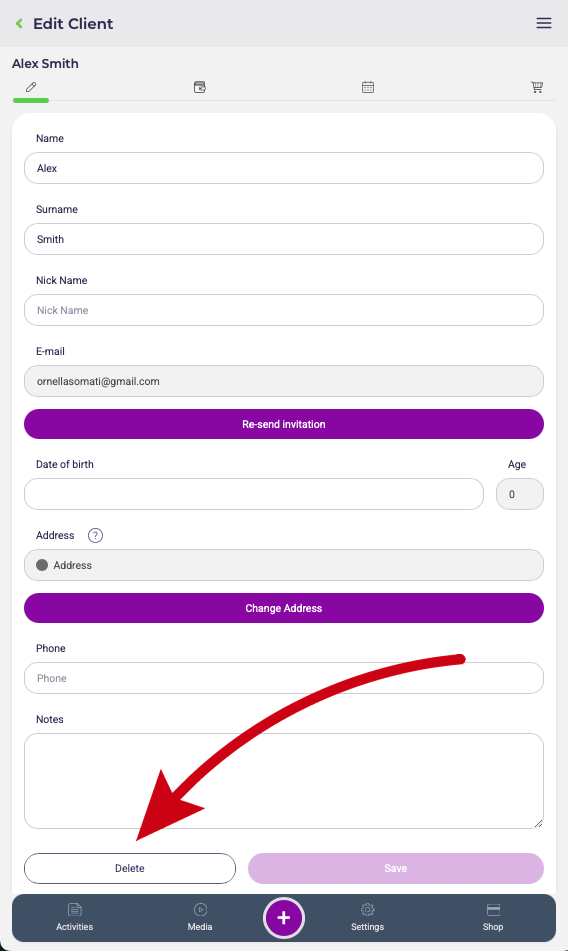
⚠️ Warning: deleting a user is permanent and cannot be undone. Once a user is deleted, all of their history and related statistics will also be permanently removed.
💡 Tip
Delete a user only if they explicitly request it.
Read the dedicated article to find out why it is better to keep their profile