The email address associated with a user CANNOT be changed directly from the admin panel
🔹 Exception: you can update it yourself only if the email has been rejected by the recipient’s mail server. For more information, please refer to the dedicated FAQ
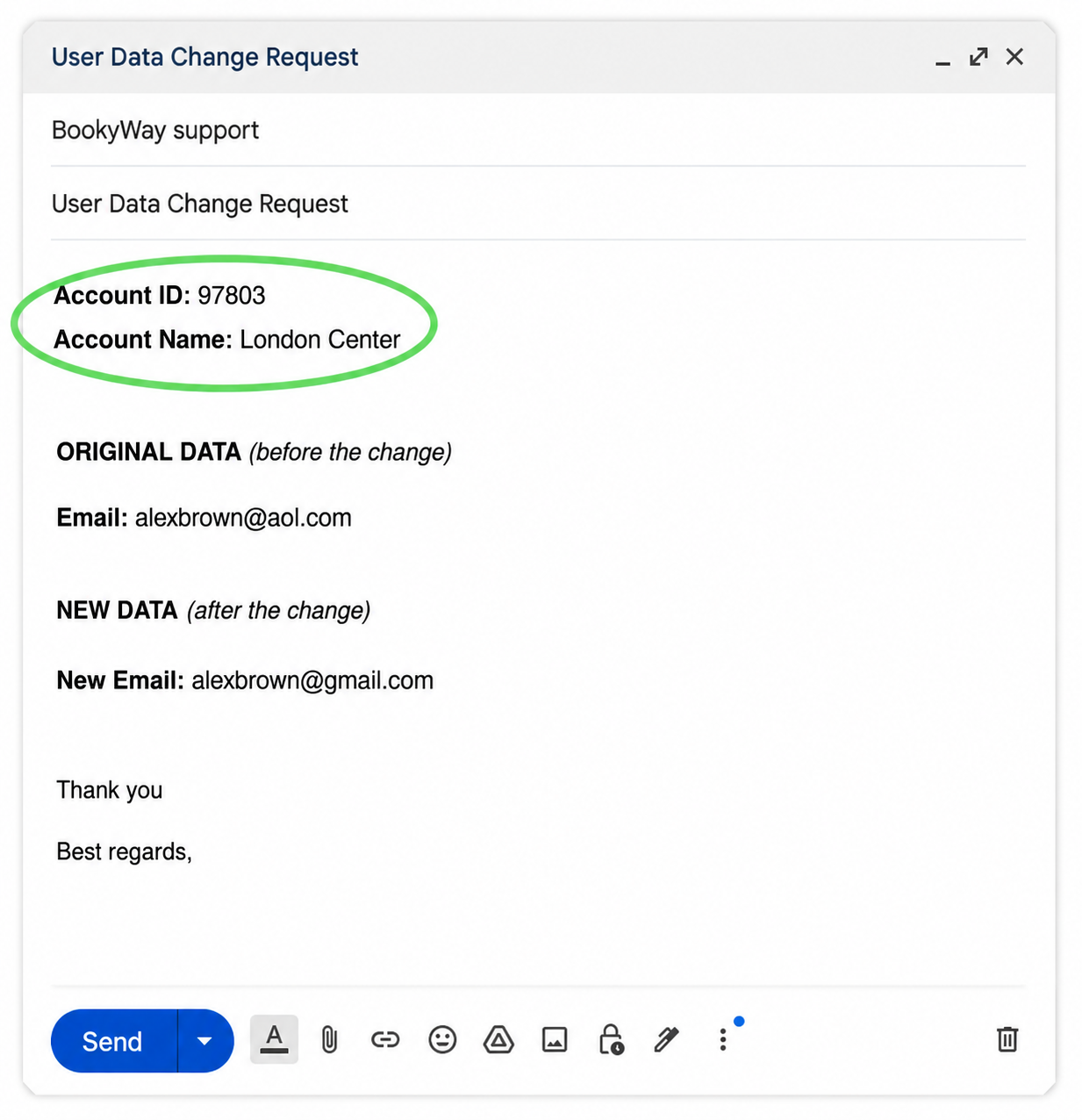
In all other cases, you need to send a request to our support team by writing to support@bookyway.com and using the following format:
Subject: User email change request
Include:
Account ID: 97803
Account Name: London Center
🔴IMPORTANT: The Account ID is a unique numeric code visible in your admin panel.
Always include it in your request to avoid processing delays.
👉🏼 Click here to find your Account ID 📌
ORIGINAL DATA (before modification)
Current email:
NEW DATA (after modification)
New email:
See example
📩 Once we receive your request, our support team will carry out the necessary checks and, if applicable, update the email address.